3.1 – Practitioner Portfolios
1 – Benoît Bellanger – ArtStation ( https://www.artstation.com/benoitbellanger)
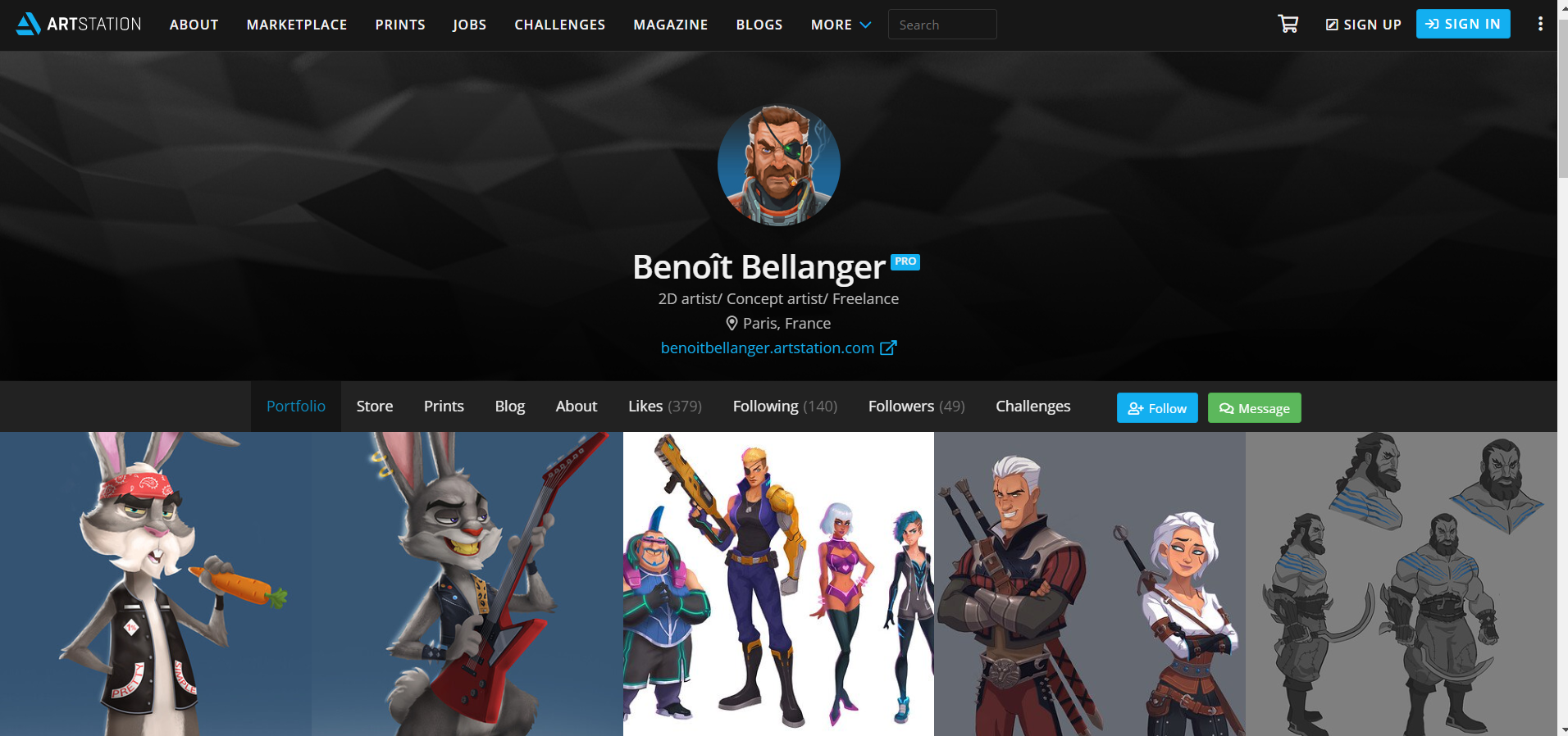
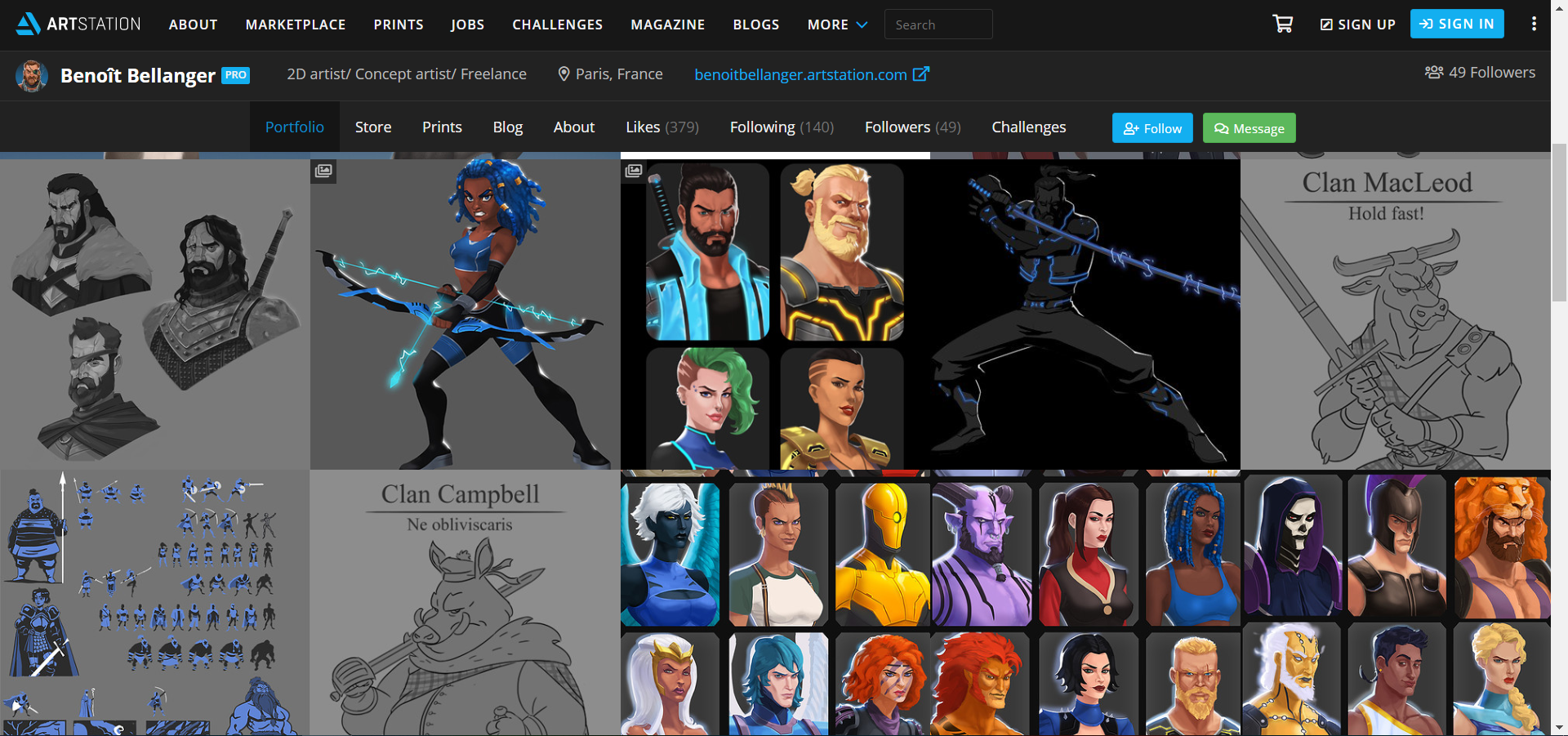
This portfolio is from a professional concept artist who works as a freelancer artist, and has been involved in the industry for 8 years. His portfolio is presented on ArtStation, a site that specialises in creating portfolios for students and professionals who wish to work in the entertainment industry, one of them being the gaming industry. The colour work on ArtStation is black with white typing. I think the use of the black background goes well with presenting the work, however the work is very clustered, almost pushed together to maximise room. There are also menus linked onto this artists portfolio, of which are easy to access. I do think the layout for this portfolio is very good, I think the set out for this portfolio is very professional, and I would probably aim to create a portfolio similar to this.
2 – Zaiisey (Ana Viana) – ArtStation
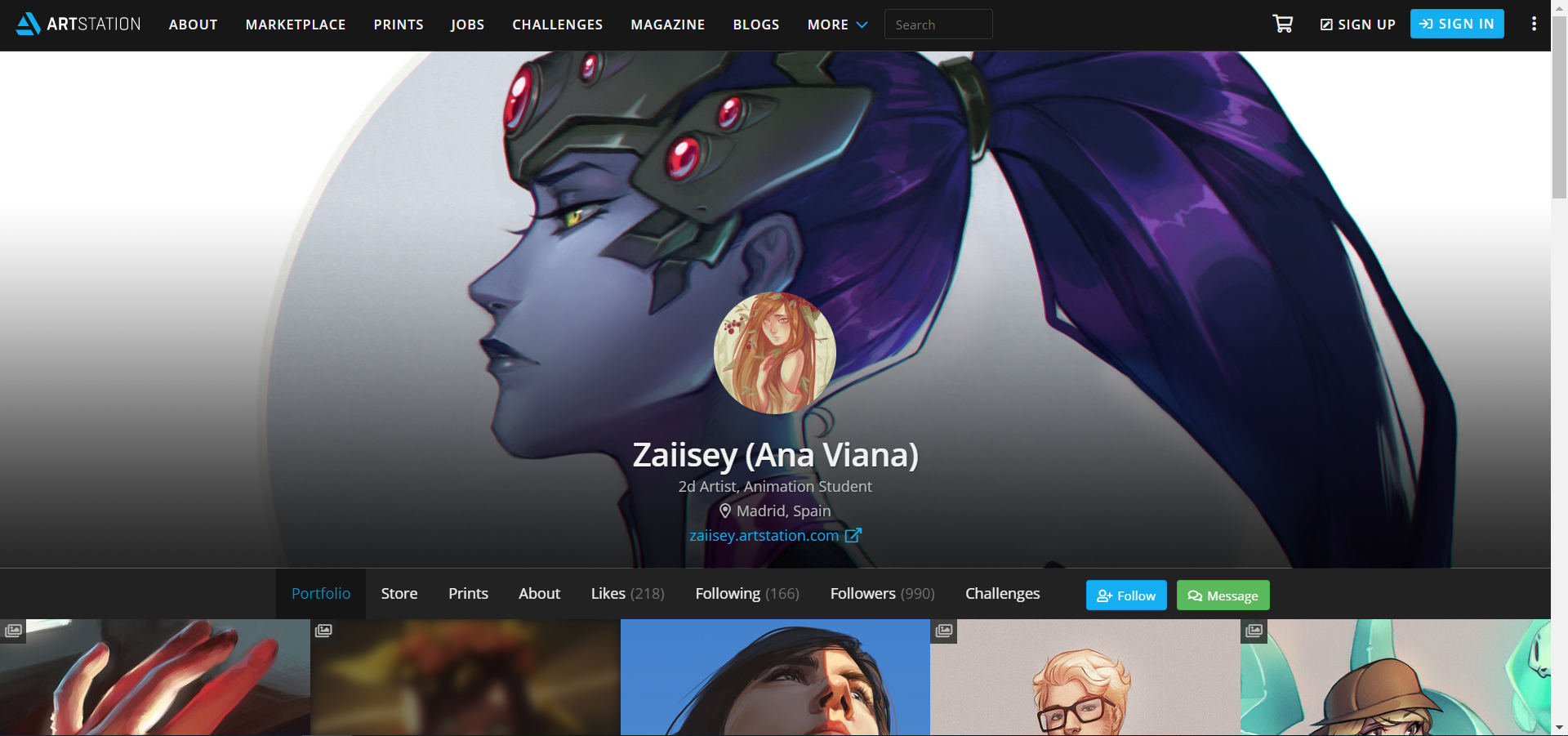
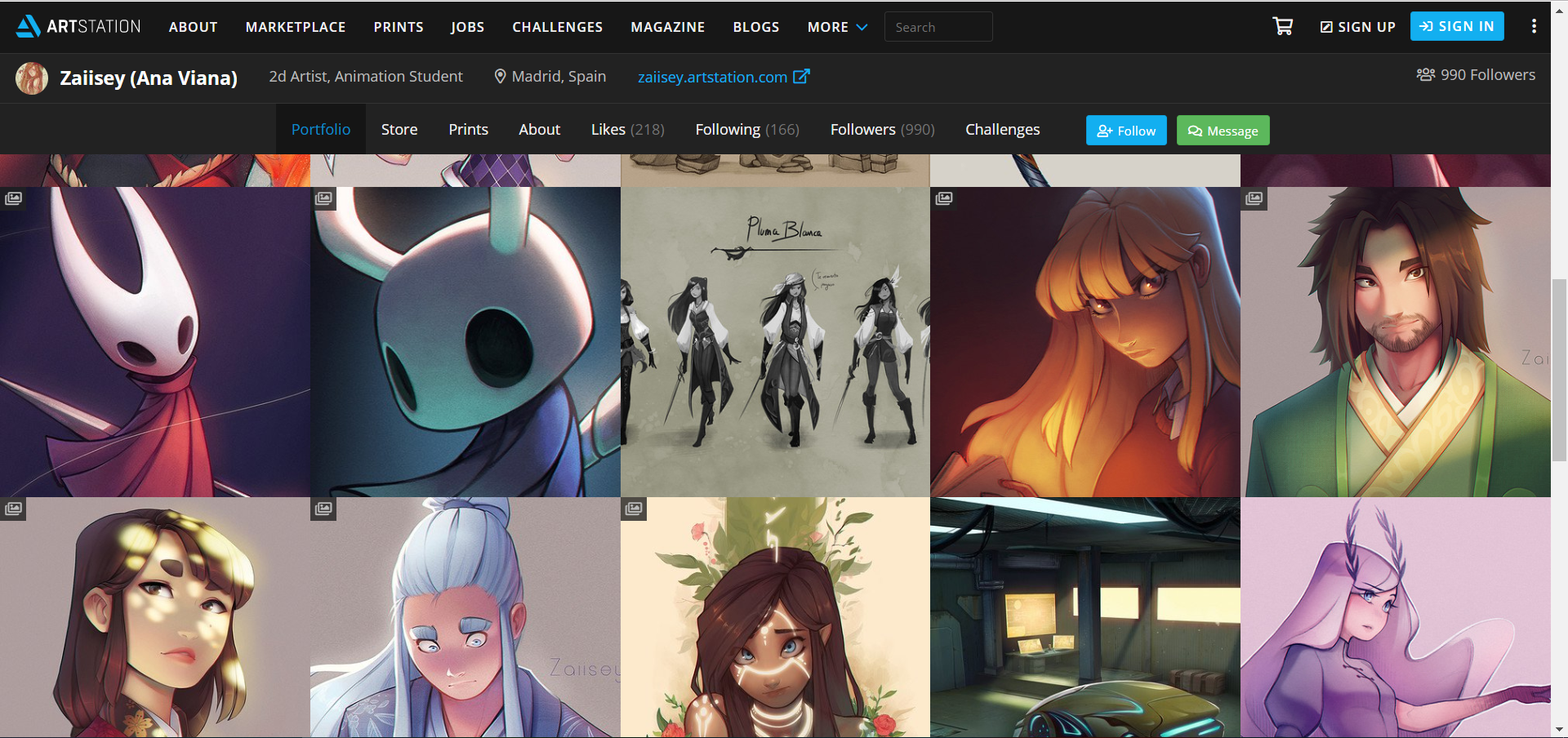
I also had a look at a student concept artist from the same website, ArtStation, to see if there is any difference in the way their work is presented. This artist portfolio is much smaller than the professional’s portfolio, but similar to the professional’s work, it is clustered together. The colour and the font are the same as that from the professional’s work, and there are also menus that are easily accessible on this artist’s portfolio. This artist, however, has added links to other sites they use, which could allow viewers the chance to look at other portfolios of their work. I am very impressed with the way this work is presented, it isn’t much different from the professional layout, which is most likely what I would aim for.
3 – Emily So – WordPress
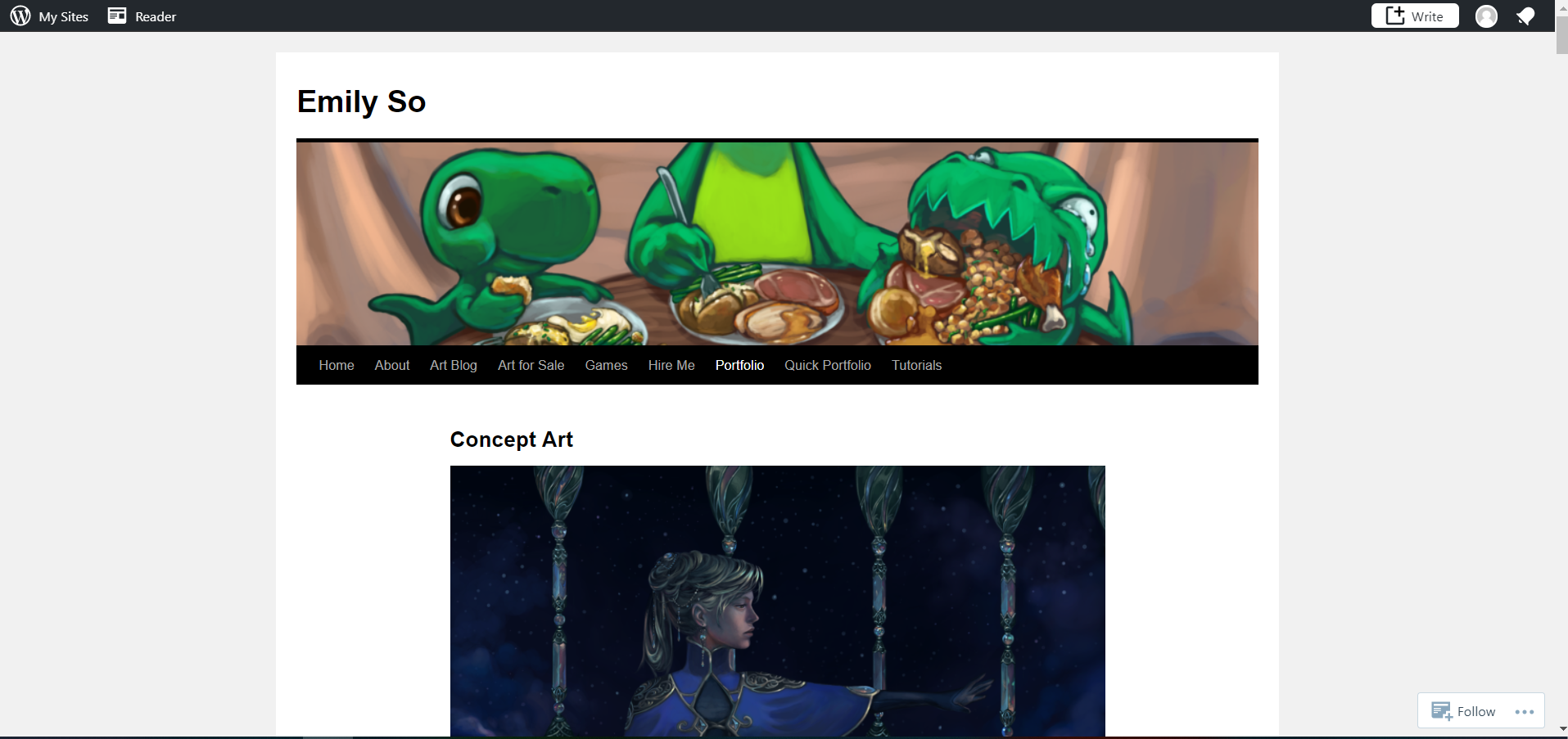
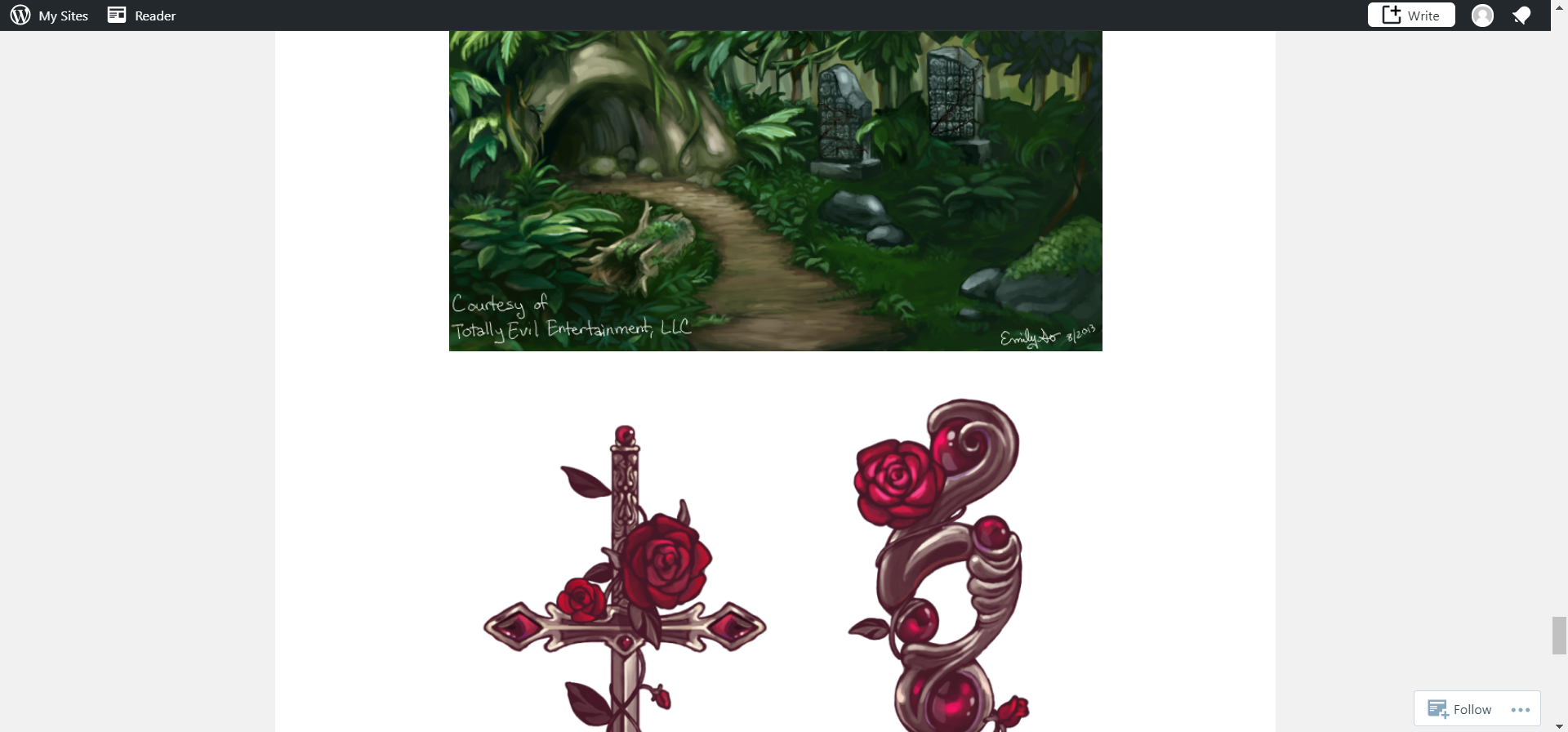
For this concept artist’s portfolio, it is presented on WordPress, one website I have experience in using. The portfolio is one of the menu options presented, and unlike the ArtStation portfolios, this work is presented in an order, meaning the website page continues to go downwards to present work. However, when hovering over the option of portfolio, there are different menu options, for different types of portfolios (2D animations, digital illustrations, concept art, etc.) There isn’t much text on the pages, the only text being in the menu options. The font and background are very bland, with a simple white background, however I think it’s mostly the work going into the artwork that counts, rather than the layout of the menu. I do find the layout of the menu to be effective, especially with the addition of multiple different portfolios. However, I do think that the screenshots of artwork should be arranged different, rather than a continuous page downwards, maybe it should be piled side-by-side.
3.1 – Portfolio Providers
1 – WordPress
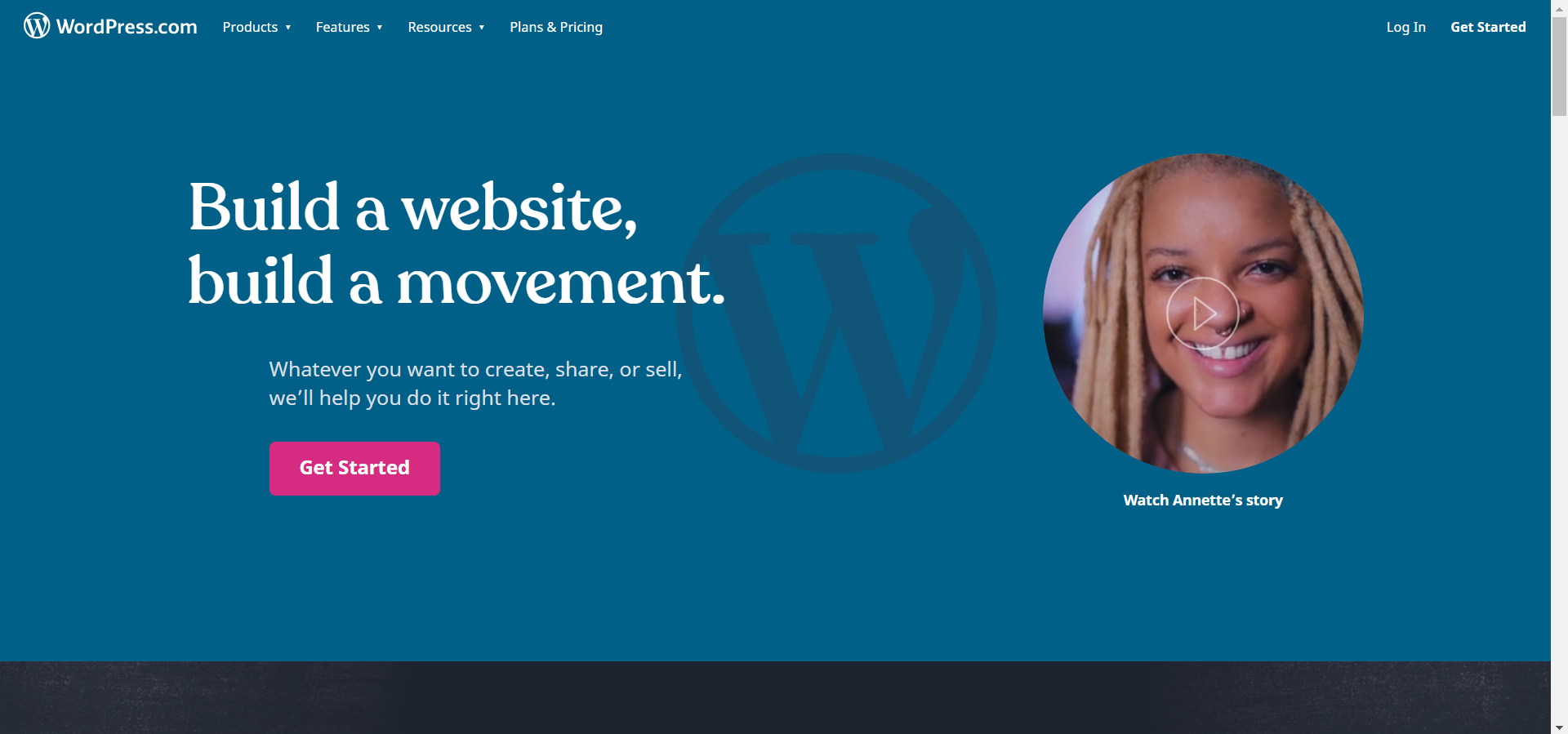
WordPress is a website maker, so it can be used for multiple reasons. It’s official title suggests that it can be used to make both websites and blogs. It is a free software to use, although users may wish to purchase certain themes and additional features to add to their blogs if they wish, as it is not mandatory. The layout can also be however the user wants it to be, offering many different layouts and fonts to personalise the users blog. It’s appearance can be professional, as that decision is up to the user, however I find that it is professional. I do think, should the user know how to use the site, that WordPress can be a good tool to present work, as you can submit screenshots of work and annotate them, however some formats may be more difficult to submit than others.
2 – ArtStation
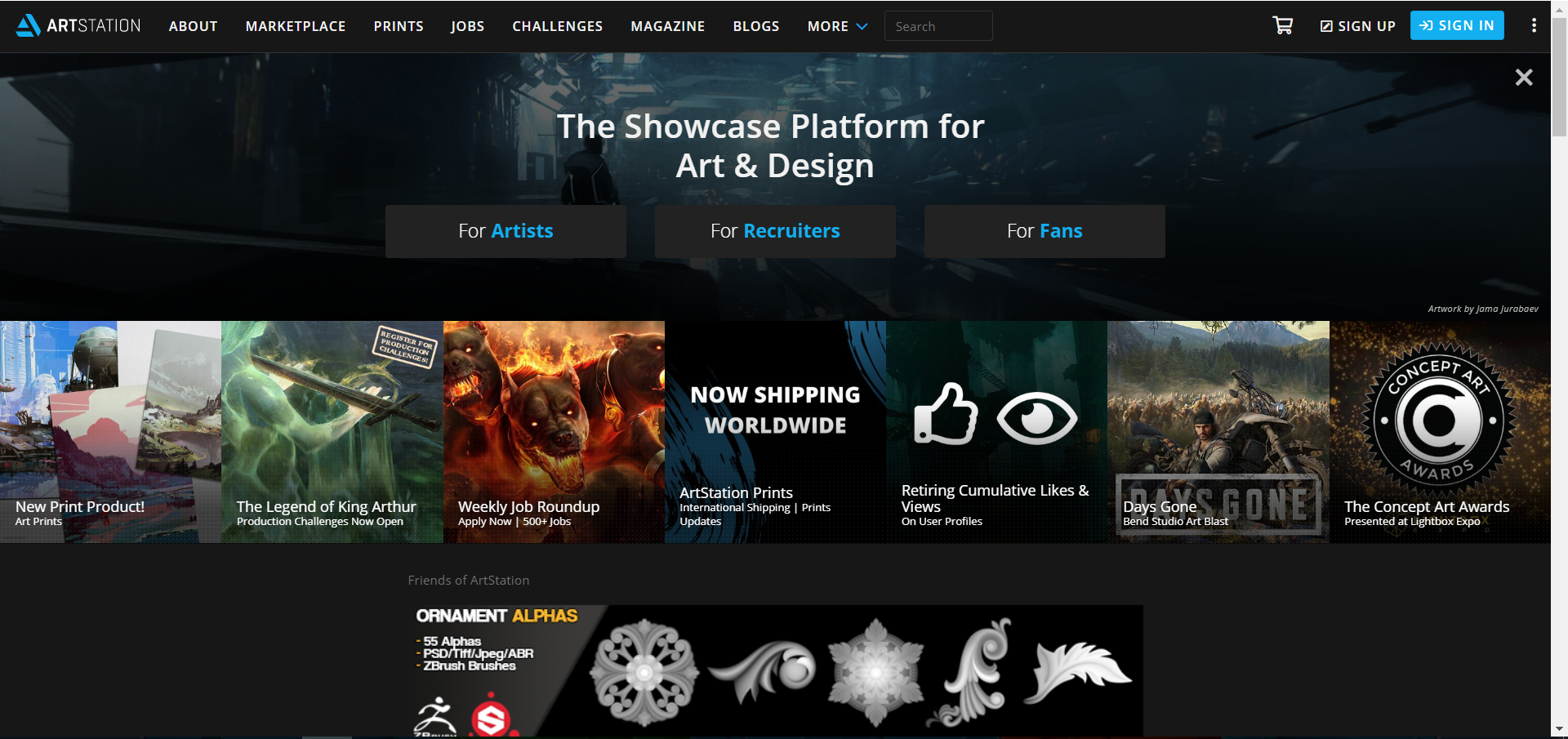
ArtStation is a site that specialises in showcasing portfolios in work created by student, professional and freelance artists who wish to work in the entertainment segment. This could be for films, animated shorts and video games. It is also beneficial as it is a way to connect with the industry. Such formats for this site include images, videos, SketchFab 3D scenes, etc. It’s layout appears appropriate, and with updates, it automatically does so for your page. There are two options for creating a page on ArtStation, as there is a free portfolio option to start a page, and there is also a ‘Pro’ portfolio option which offers more benefits, such as blogging, custom domain support, and larger 3D file limit. This option, however, will require payments, but it does have the option for making a portfolio for free. In terms of Games Development portfolio, it is a very good option to use, as it is specifically designed for such a scenario.
3 – Adobe Portfolio
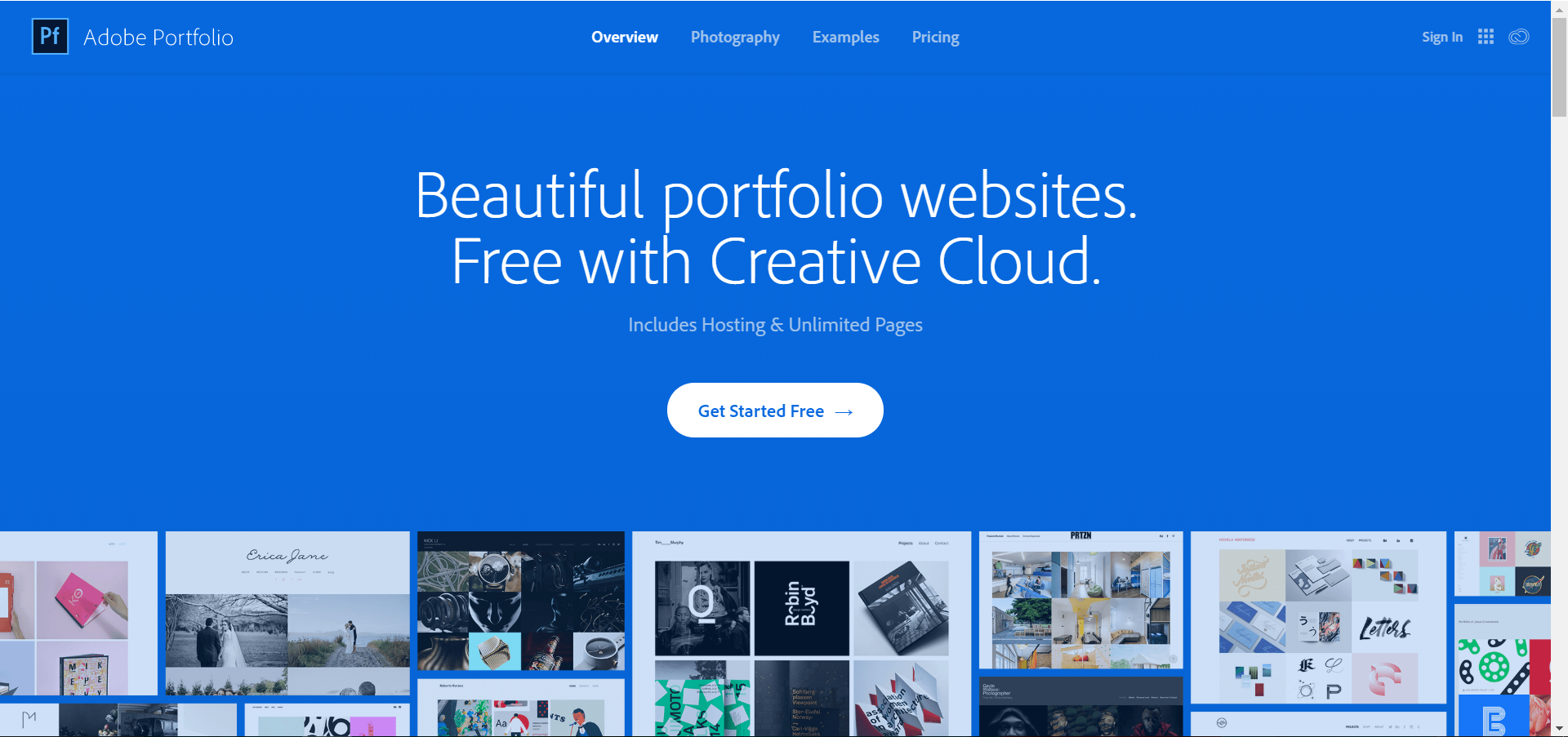
Similar to ArtStation, Adobe Portfolio is specially designed to create online portfolios. Similar to WordPress, however, it is easy to customise, as it focuses on building a website based on the individual to show off their work. It states that you can start off free, however you can buy a version of the software with additional Adobe apps for a cost. It appears to be good for presenting work, however I am not sure about analysing or adding details to work.
 Sophie Level 3 Games Dev 2nd Year